Contract
Submission review
A contractor's monthly programme against last month's, and the contractor library.
Each month the contractor submits an updated programme. Submission Review checks it against last month's submission and, if you load it, the accepted programme, then collects every finding into a register of comments with a recommendation to send back.
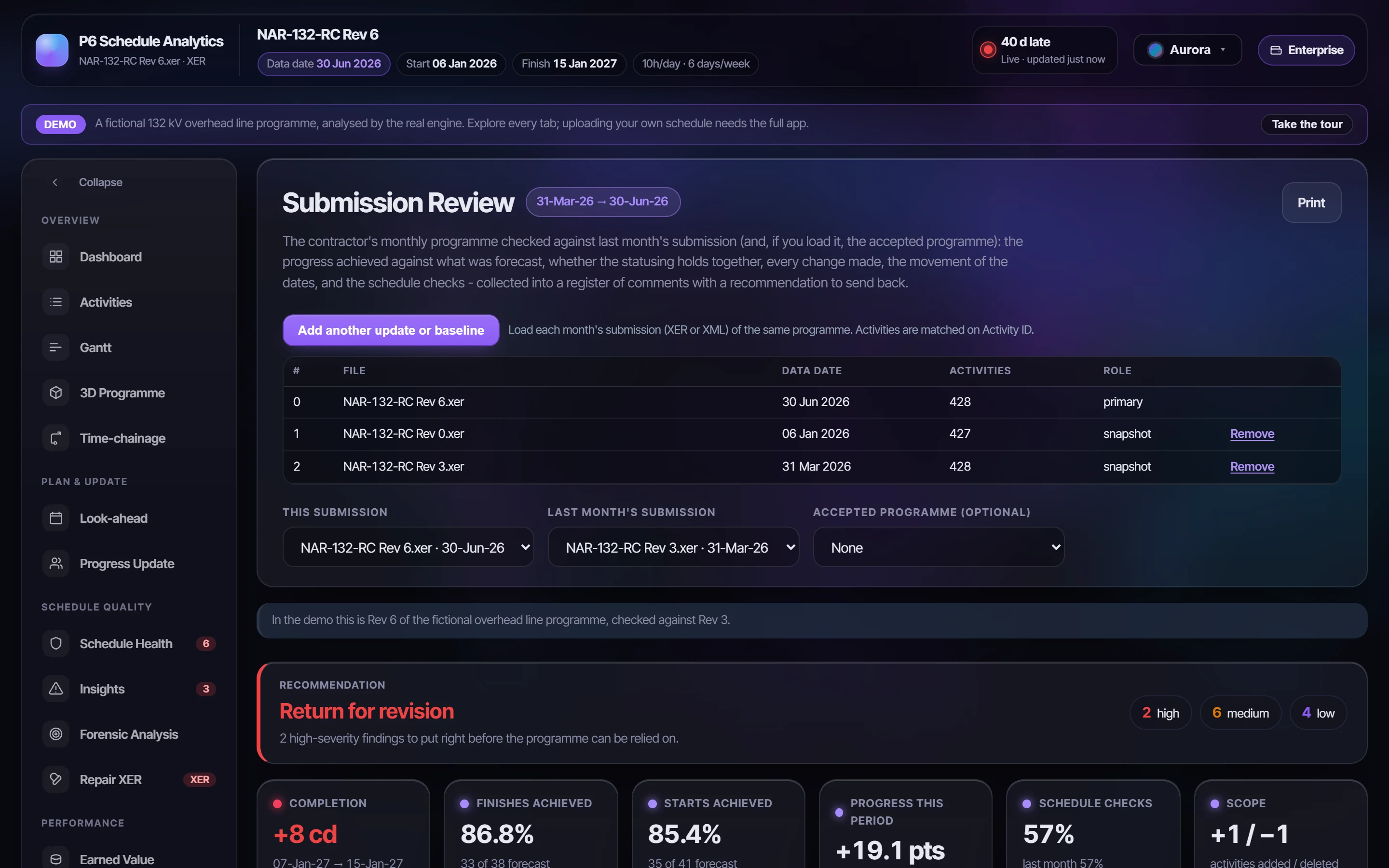
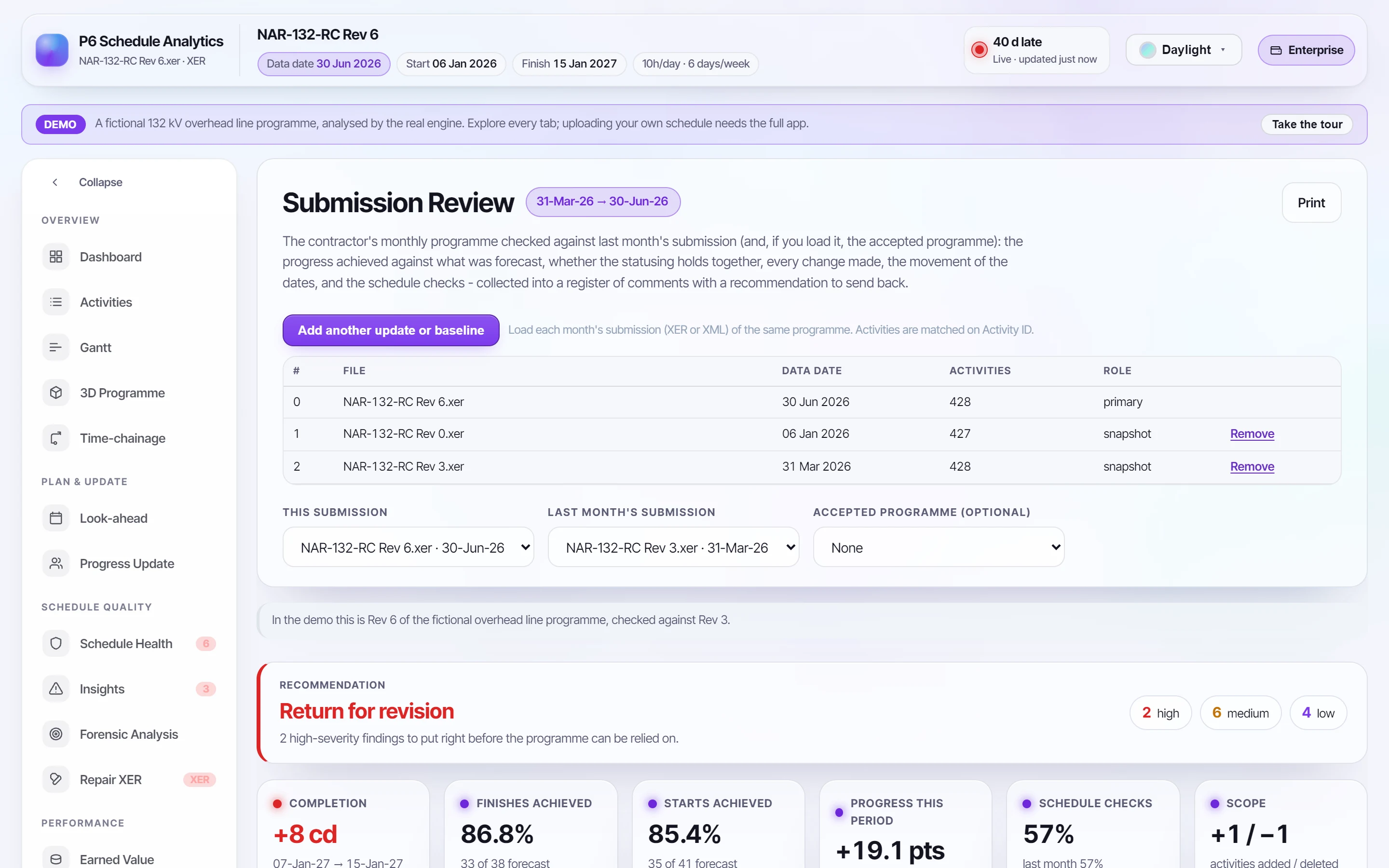
Loading the submissions#
Load each month's XER or XML of the same programme. This submission defaults to the latest data date, and last month's to the one before it. Activities are matched on Activity ID.
What it checks#
| Area | Checks |
|---|---|
| Progress this period | The starts and finishes last month's programme forecast by this data date, against those achieved, with the misses listed; work done that wasn't forecast; % complete last month, as last month forecast it for now, and now |
| Progress integrity | Actual dates changed since they were reported; status going backwards; actuals after the data date; progress back-dated into an earlier period; % complete falling; remaining duration growing on work in progress; work in progress with no progress; work left behind the data date; out-of-sequence progress; statuses that contradict the dates |
| Changes | Activities added, and deleted (high if they had progress); renamed, re-typed or moved in the WBS; durations changed on work not started; calendars, constraints, relationships and budgets changed; the scheduling options changed |
| Variance | Forecast completion against last month and the accepted programme; milestones; float lost; negative float; the critical path's joiners and leavers; the work slipping most |
| Compliance | The DCMA checks of both submissions side by side. Missed activities and BEI are measured against last month's programme |
Comments and recommendation#
Every finding goes into a numbered register (R01, R02…), most severe first, with what was found, example activities and the action asked of the contractor.
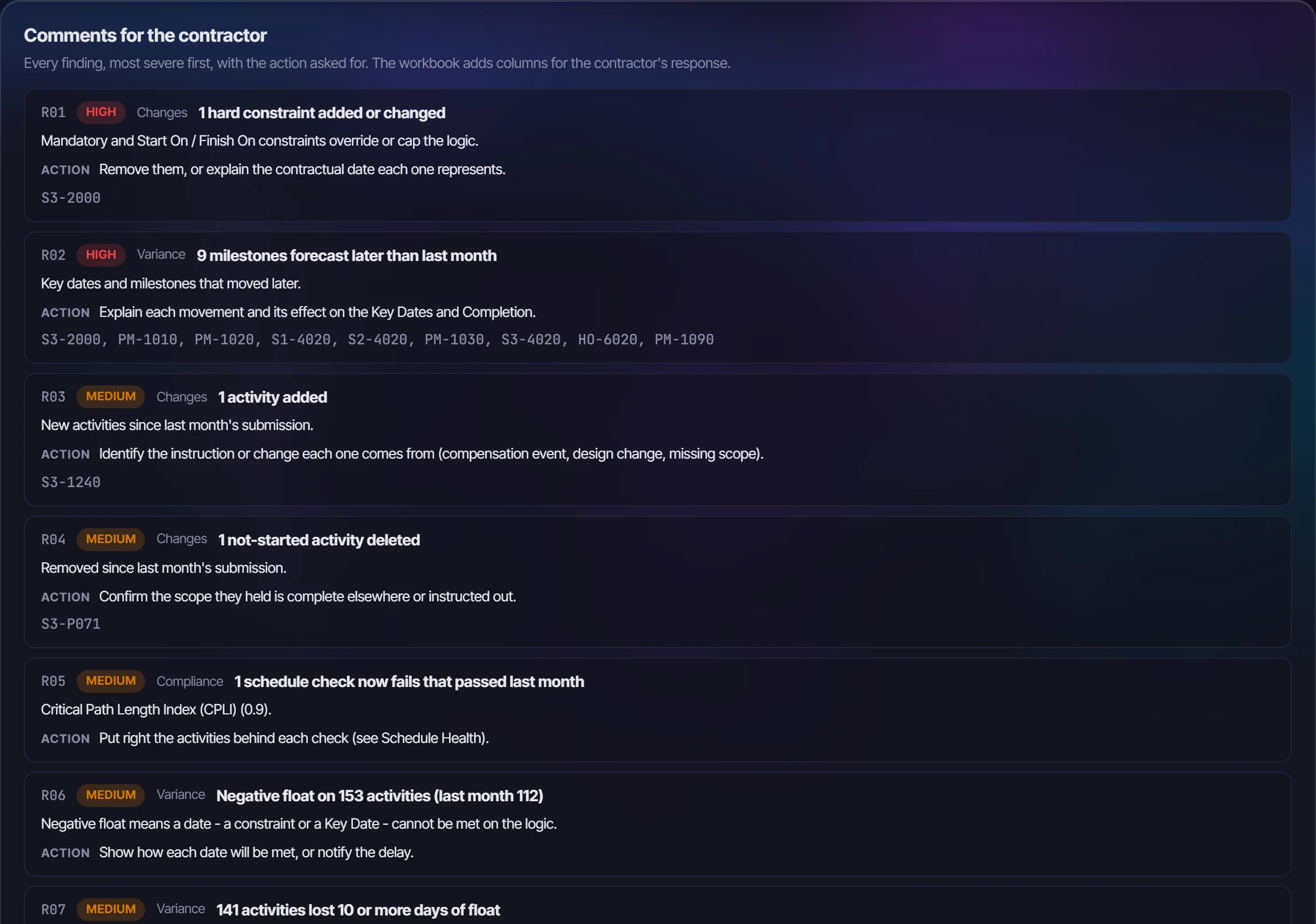
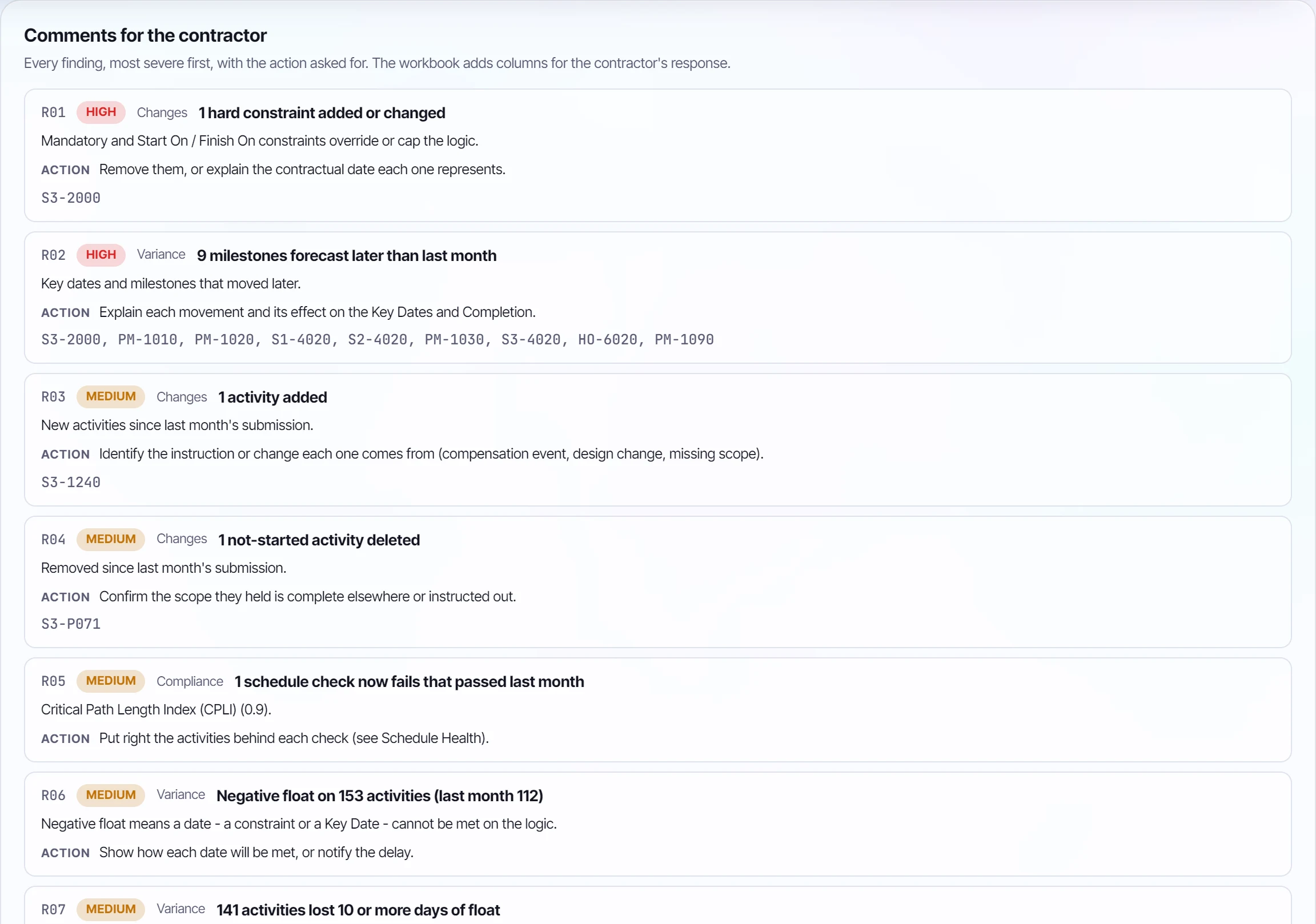
- Any high finding gives Return for revision.
- Medium findings give Accept with comments.
- Otherwise the recommendation is Accept.
Export comments (Excel) writes the register with columns for the contractor's response and status, and a sheet for each part of the review.
The contractor library#
The Contractor library keeps each contractor's submissions month by month, so a new one is reviewed against the last on arrival.
- Contractors have a code, a name, a package, a contract reference and tags. Find them by any of these, or by the P6 project ID their programmes carry.
- Receiving a programme: choose the file and the library suggests whose it is, from the project ID of earlier submissions (including the -1 and -2 P6 adds on import), the project name, a code in the file name, or shared words. Confirm, give the revision and a note, and Store and review.
- Each submission keeps its review, its recommendation, the completion movement and its status: received, under review, accepted, accepted with comments, or returned for revision. Mark one as the accepted programme, and later reviews measure against it too.
The library is private to your workspace.